Best Electronic Keyless Deadbolt: Reviews, Buying Guide, and FAQs 2026
by Robert Fox
Which electronic keyless deadbolt is actually worth putting on your front door in 2026? With dozens of smart locks on the market — all claiming to be the most secure, the easiest to install, the most feature-packed — picking the right one is genuinely difficult. Here's the bottom line up front: the Schlage Encode Plus is our top overall pick, combining built-in Wi-Fi, Apple HomeKit with home key tap-to-unlock, and ANSI Grade 1 security in a single package that installs in under 30 minutes. But depending on your priorities, one of the six other locks in this guide might serve you better.
Electronic keyless entry has matured well beyond basic keypad codes. Today you're choosing between fingerprint biometrics, geofencing auto-unlock, randomized PIN displays, and deep smart home integration. The mechanical foundation still matters too — a smart lock with a weak bolt or a low ANSI rating is no better than a cheap keyed lock. If you want to understand what separates a solidly built deadbolt from a flimsy one, our breakdown of characteristics of a high-quality mechanical deadbolt covers the specs that hold up regardless of how much technology you layer on top. You can also browse our full security product reviews for deeper dives on related gear.

This guide covers seven top-rated electronic keyless deadbolts, evaluated on security certifications, unlock methods, app performance, ease of installation, and overall value. We've included a buying guide to help you match specs to your actual needs, plus a FAQ section covering the questions homeowners ask most. Whether you're protecting a single-family home, managing Airbnb rentals, or just done fumbling for keys in the dark, there's a lock on this list built for your situation.
Contents
- Best Choices for 2026
- In-Depth Reviews
- Schlage Encode Plus — Best Overall
- Schlage BE375 Touch Camelot — Best Budget Keypad
- Kwikset Halo Touch — Best Fingerprint + Wi-Fi Combo
- ULTRALOQ U-Bolt Pro — Most Versatile
- TEEHO TE002 — Best Affordable Fingerprint Lock
- Lockly Secure Pro — Best for Maximum Security
- Schlage Encode — Best for Google Home & Alexa
- What to Look For When Buying
- Frequently Asked Questions
- Key Takeaways
Best Choices for 2026
- #PreviewProductRating
- Bestseller No. 1
 Rating:

- Bestseller No. 2
 Rating:
 - Bestseller No. 3
 Rating:
 - Bestseller No. 4
 Rating:
 - Bestseller No. 5
 Rating:
 - Bestseller No. 6
 Rating:
 - Bestseller No. 7
 Rating:

In-Depth Reviews
Below are our detailed reviews of the seven best electronic keyless deadbolts for 2026. Each lock has been evaluated on real-world usability, security credentials, connectivity, and long-term reliability. Prices fluctuate on Amazon, so we recommend checking current pricing before purchasing.
1. Schlage Encode Plus Smart Wi-Fi Lock — Best Overall
The Schlage Encode Plus is the smart lock to beat in 2026. It checks every box most homeowners care about: built-in Wi-Fi so you don't need a separate hub, native Apple HomeKit support with home key tap-to-unlock via iPhone or Apple Watch, and ANSI Grade 1 certification — the highest residential security rating available. Setup through the Schlage Home app is straightforward, and the lock connects directly to your home network without a bridge device cluttering your router.
What sets the Encode Plus apart from the standard Encode is that home key support. You tap your iPhone or Apple Watch against the lock and it opens — no code, no app launch, no waiting. It's genuinely faster than a physical key. Remote access through the Schlage Home app lets you lock and unlock from anywhere, view a full access history, and send temporary codes to guests. You can manage up to 100 access codes, which makes this lock practical for larger households, vacation rentals, and anyone who frequently needs to grant access to service workers.
Build quality is excellent. The matte black finish is durable and consistent, the touchscreen keypad is responsive even with slightly wet fingers, and the deadbolt mechanism feels solid under the hand. Battery life runs approximately 6 months with normal use. The only real limitation is that deeper smart home automations require the Apple Home app or Schlage Home — it doesn't support Google Home or SmartThings without a workaround.
Pros:
- ANSI Grade 1 security certification — highest residential rating
- Built-in Wi-Fi, no hub required
- Apple HomeKit with home key tap-to-unlock on iPhone and Apple Watch
- Manages up to 100 access codes with full history
- Remote lock/unlock and customizable notifications via Schlage Home app
Cons:
- No Google Home or Amazon Alexa direct integration
- Higher price point than non-HomeKit alternatives
- Schlage Home app occasionally slow to sync on older phones

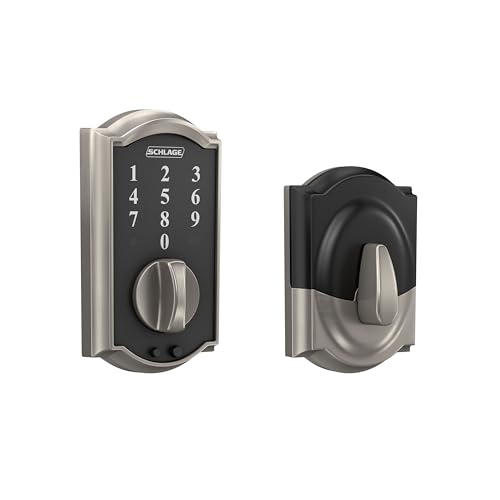
2. Schlage BE375 Touch Camelot Deadbolt — Best Budget Keypad Lock
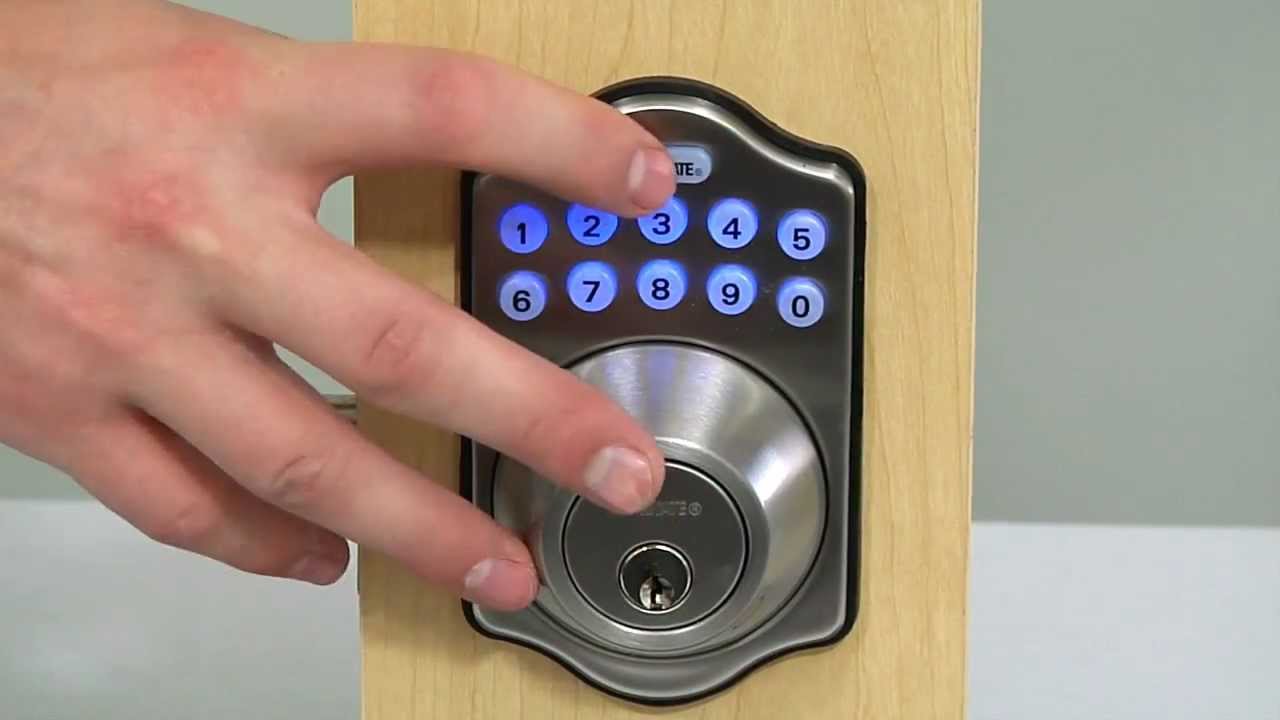
If you want keyless convenience without the Wi-Fi complexity, the Schlage BE375 Touch Camelot is the smartest choice at the budget end of the market. This lock strips the smart home features down to the essentials: a fingerprint-style capacitive touch keypad (no physical buttons), support for up to 19 access codes, and Grade 2/AAA security certification. There's no app, no hub, no connectivity setup — you program it directly at the lock using a simple button sequence.
The most important security feature here is the cylinder-free design with no traditional keyway. There's no keyhole to bump or pick — a serious vulnerability in standard deadbolts that electronic locks eliminate by default. Lock-picking techniques that would defeat a conventional deadbolt simply don't apply here. The lock runs on a single 9V battery (included) and has a backup jumpstart feature: if the battery dies completely, you can touch a 9V battery to the contacts on the front of the lock to get enough power to enter your code and get inside.
This is the right lock for people who want something simple, reliable, and genuinely secure — without subscriptions, apps, or any dependency on your home network. It's also an ideal second lock for a back door, garage entry, or rental unit where smart features aren't necessary.
Pros:
- No keyway — eliminates bumping and picking vulnerabilities
- Grade 2/AAA security rating for residential and light commercial use
- Simple setup, no app or hub required
- Up to 19 access codes
- 9V battery jumpstart backup access
Cons:
- No Wi-Fi, Bluetooth, or remote access
- 19-code limit is low for larger households or rentals
- No access history or activity logging

3. Kwikset Halo Touch Fingerprint Wi-Fi Smart Lock — Best Fingerprint + Wi-Fi Combo
The Kwikset Halo Touch is built for people who want biometric access combined with full Wi-Fi connectivity — without paying a premium price for both. It stores up to 100 fingerprints across 50 users, handles remote locking and unlocking through the Kwikset app, and supports geofencing so the lock automatically unlocks as you approach your home. No hub is required — the lock connects directly to your home's 2.4GHz Wi-Fi network.
Fingerprint recognition is fast and accurate in normal conditions. The lock reads prints in roughly 0.5 seconds and unlocks immediately — fast enough that you won't break stride walking through the door. The touchscreen keypad serves as a backup entry method, and you can share guest access codes remotely through the app. Geofencing auto-unlock works well once properly configured, though you'll want to fine-tune the detection radius to avoid triggering too early or too late.
The Halo Touch carries an ANSI Grade AAA certification and comes with a Lifetime Finish Warranty in satin nickel. It's a strong performer for the price and one of the few locks in this category to combine fingerprint, app, keypad, and remote control without requiring a third-party hub. If biometrics are your priority and you want the flexibility of Wi-Fi control, this is the lock for your door.
Pros:
- Stores 100 fingerprints (50 users) — ideal for large households
- Built-in Wi-Fi, no hub required
- Geofencing auto-unlock via Kwikset app
- Grade AAA certified with Lifetime Finish Warranty
- Multiple entry methods: fingerprint, touchscreen code, app
Cons:
- No Apple HomeKit support
- Geofencing setup requires careful calibration
- Fingerprint performance can degrade in extreme cold
4. ULTRALOQ U-Bolt Pro WiFi Smart Lock — Most Versatile
The ULTRALOQ U-Bolt Pro Wi-Fi is the most feature-dense lock on this list. It bills itself as an 8-in-1 entry system — and that's not marketing hyperbole. You get AI-powered fingerprint ID, touchscreen keypad, smartphone app control, auto-unlock as you approach, auto-lock when the door closes, web portal access, eKey sharing, and voice control with Alexa and Google Assistant. It also includes a door sensor that tells you whether your door is actually open or closed — a genuinely useful addition that most smart locks skip entirely.
Built-in Wi-Fi means no hub required, connecting directly on 2.4GHz networks. The U-Bolt Pro is rated IP65 waterproof — a meaningful spec for exterior doors exposed to rain, humidity, or temperature swings. The AI-powered fingerprint sensor adapts to your print over time, which improves recognition accuracy rather than degrading it. Setup is done through the U tec app, which also supports remote access, activity logs, and eKey sharing for guests or short-term renters.
This is the right pick if you manage multiple properties, run an Airbnb, or simply want the broadest possible set of entry options in one device. The two physical backup keys included are a practical safeguard that pure-smart-lock competitors sometimes omit. If you also want to understand the technology behind the fingerprint sensor, our article on how fingerprint recognition works explains the capacitive and optical approaches used in consumer locks today.
Pros:
- 8-in-1 entry: fingerprint, keypad, app, auto-unlock, auto-lock, web portal, eKey, voice control
- IP65 waterproof — weather-resistant for exterior use
- Includes door sensor to monitor open/closed status
- AI fingerprint adapts and improves recognition over time
- Works with Alexa and Google Assistant
- 2 physical backup keys included
Cons:
- 2.4GHz only — no 5GHz Wi-Fi support
- App interface is more complex than single-purpose locks
- Larger profile may not suit all door styles
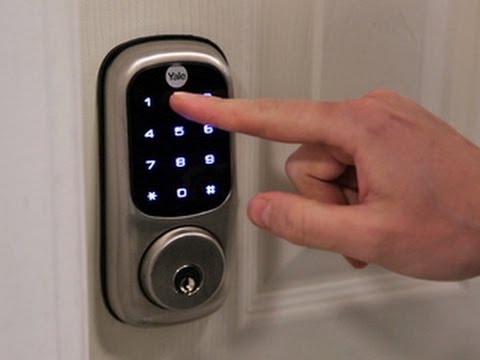
5. TEEHO TE002 Fingerprint Door Lock — Best Affordable Fingerprint Lock
The TEEHO TE002 answers a simple question: can you get a reliable fingerprint deadbolt without spending a lot of money? Yes. This lock offers four entry methods — fingerprint (up to 20 prints), keypad codes (up to 20), physical key backup, and one-time PINs that auto-delete after a single use. The one-time PIN feature is particularly useful for letting in a repair technician or delivery person without creating a permanent code you later need to delete.
The AI-powered fingerprint sensor reads prints in 0.3 seconds and unlocks in 1 second flat. That's genuinely fast. Auto-lock engages automatically 10 to 99 seconds after the door closes, and you can configure that timer to match your household's pace. One-touch locking from the exterior — pressing the lock button once on the keypad — is a small feature that makes a real difference when you're leaving in a hurry.
This is not a smart lock in the connected sense — there's no Wi-Fi, no app, no remote access. But if you don't need remote control and you're primarily looking for keyless entry with fingerprint convenience at an accessible price, the TE002 delivers. It's also simple enough that anyone in the household can understand and use it without a tutorial. Installation is standard deadbolt replacement and takes about 20 minutes.
Pros:
- 0.3-second fingerprint recognition, 1-second unlock
- One-time PINs auto-delete after use — ideal for guests and service workers
- Configurable auto-lock timer (10–99 seconds)
- One-touch exterior locking for quick exit
- Physical key backup for emergencies
- Lowest price point on this list
Cons:
- No Wi-Fi, Bluetooth, or app connectivity
- Only 20 fingerprints and 20 codes — limited for large households
- No access history or activity log
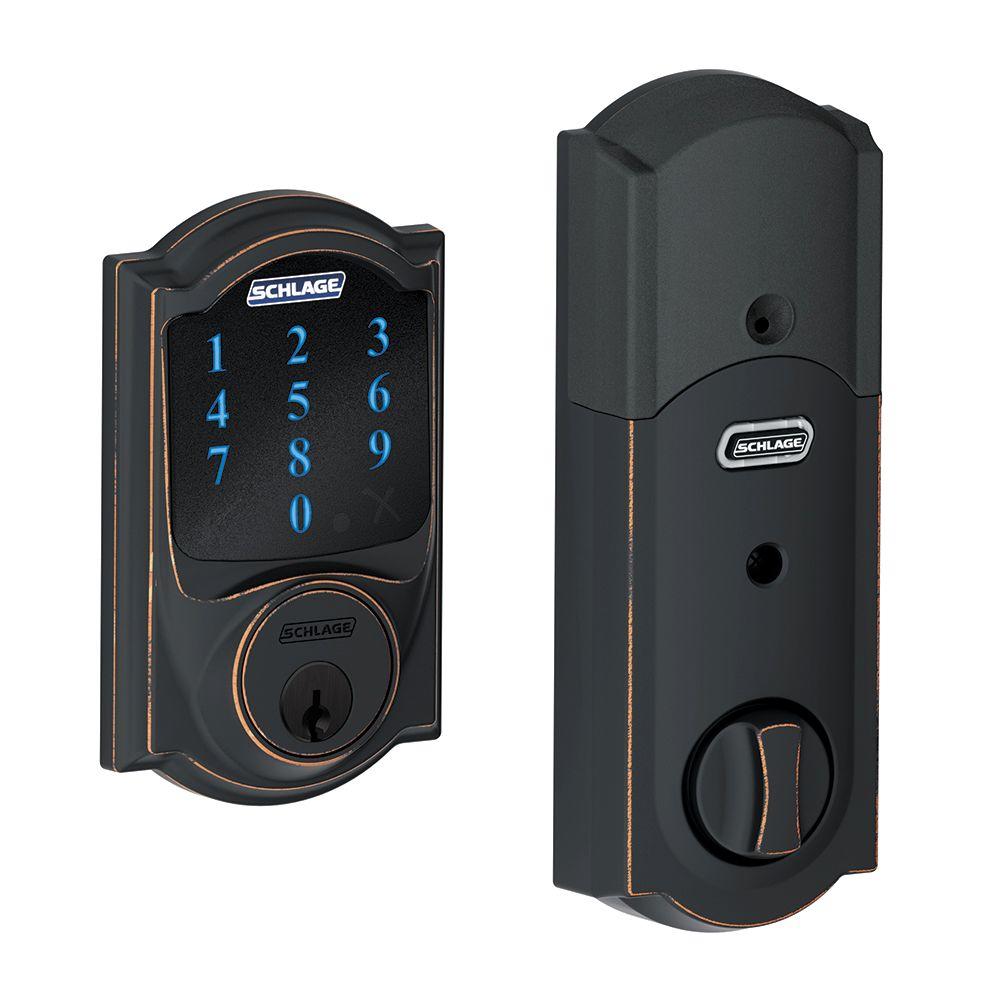
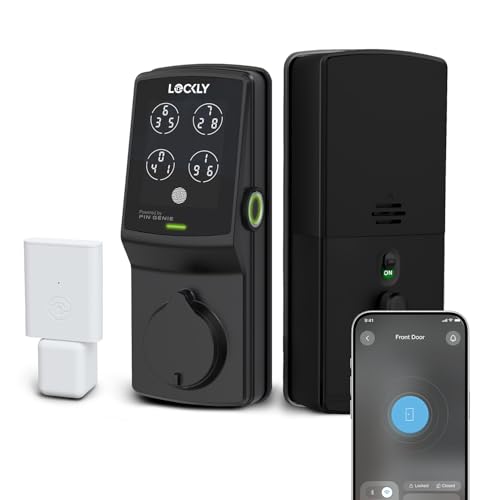
6. Lockly Secure Pro Smart Deadbolt Lock — Best for Maximum Security
The Lockly Secure Pro is built for buyers who refuse to compromise on security. Its standout feature is the PIN Genie patented keypad, which shuffles the position of digits on the display every single time it's used. Someone watching over your shoulder can't steal your code, because what they see this time won't match next time. Combined with ANSI Grade 1 certification — the same rating as a commercial-grade lock — this is the most secure keypad lock on this list by design.
Fingerprint recognition stores up to 99 prints and unlocks in 0.3 seconds, making it one of the fastest and most generous fingerprint systems available at this price. The Secure Link Wi-Fi Hub is included in the box — you don't pay extra for remote access. Plug it in, connect it to your router, and you can lock, unlock, and check the full access history from anywhere via the Lockly app. The hub also enables Alexa and Google Assistant integration for hands-free voice control.
Up to 33 PIN codes can be stored, including one-time guest codes that expire automatically. There's no subscription required for any feature — everything you see advertised works out of the box permanently. The combination of shuffle keypad, biometrics, ANSI Grade 1 build, and included Wi-Fi hub makes the Lockly Secure Pro the most complete security package on this list if your primary concern is preventing unauthorized access rather than smart home integration.
Pros:
- PIN Genie shuffling keypad — defeats shoulder surfing attacks
- ANSI Grade 1 certified — commercial-grade security for residential use
- Stores 99 fingerprints and 33 PIN codes including one-time guest codes
- Wi-Fi Hub included in box — no extra purchase for remote access
- Works with Alexa and Google Assistant
- No subscription fees for any feature
Cons:
- No Apple HomeKit support
- Requires separate Secure Link hub for Wi-Fi (power outlet needed)
- Larger form factor compared to minimalist smart locks
7. Schlage Encode Smart Wi-Fi Deadbolt — Best for Google Home & Alexa
The Schlage Encode is the original Wi-Fi smart deadbolt from Schlage — and it still holds up strongly in 2026. It has everything the Encode Plus has in terms of Wi-Fi connectivity and app control, with one key difference: instead of Apple HomeKit, it integrates natively with Amazon Alexa and Google Home. If your smart home ecosystem runs on either of those platforms, the Encode is the more natural fit and typically costs less than the Encode Plus.
Remote lock and unlock, up to 100 access codes, full access history, and customizable notifications are all managed through the Schlage Home app. The lock connects directly to your home Wi-Fi network — no hub, no bridge device. The backlit touchscreen keypad is easy to use in low light, and the lock is available in multiple finishes including satin nickel, aged bronze, matte black, and polished chrome to match your existing hardware.
The Encode is also Airbnb-friendly, with Amazon's key-for-business integration allowing property managers to grant and revoke access remotely. ANSI Grade 1 certification matches the Encode Plus, so you're getting the same security foundation at a lower price point. If you don't use Apple devices, the Encode is the smarter buy — you get the same build quality and core functionality without paying for HomeKit compatibility you won't use.
Pros:
- ANSI Grade 1 security — same as Encode Plus
- Built-in Wi-Fi, no hub required
- Native Alexa and Google Home integration
- 100 access codes with full history and notifications
- Airbnb-compatible with Amazon Key for Business
- Multiple finish options
Cons:
- No Apple HomeKit or home key support
- No fingerprint access — keypad and app only
What to Look For When Buying an Electronic Keyless Deadbolt
Choosing the right keyless deadbolt comes down to matching the lock's features to your specific situation. Here's what actually matters when you're making the decision.
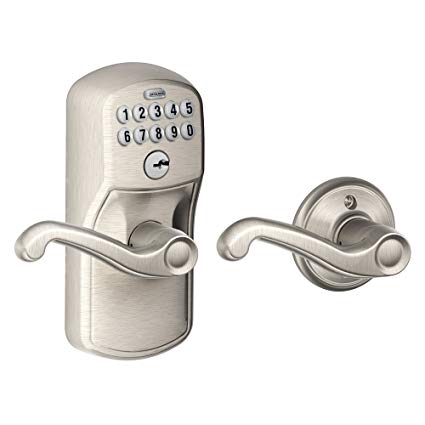
Security Certification: ANSI Grade 1 vs. Grade 2 vs. AAA
Security certification is the single most important spec to check. ANSI Grade 1 is the highest residential rating, meaning the lock has passed rigorous testing for bolt strength, strike plate resistance, and cycle durability. Grade 2 (also labeled AAA by BHMA) covers the mid-tier residential and light commercial segment. Budget locks with no ANSI rating should be treated with skepticism.
- ANSI Grade 1: Schlage Encode, Schlage Encode Plus, Lockly Secure Pro — best resistance to forced entry
- ANSI Grade 2/AAA: Kwikset Halo Touch, Schlage BE375, TEEHO TE002 — solid for most residential applications
- No ANSI rating: Avoid for exterior doors
Also look at whether the lock includes anti-pick and anti-bump protection. Locks with no keyway — like the Schlage BE375 — eliminate an entire category of attack. For a deeper look at how lock-picking actually works, our guide to the best bump-proof locks covers the mechanics in detail and explains why keyless entry eliminates some of those vulnerabilities entirely.
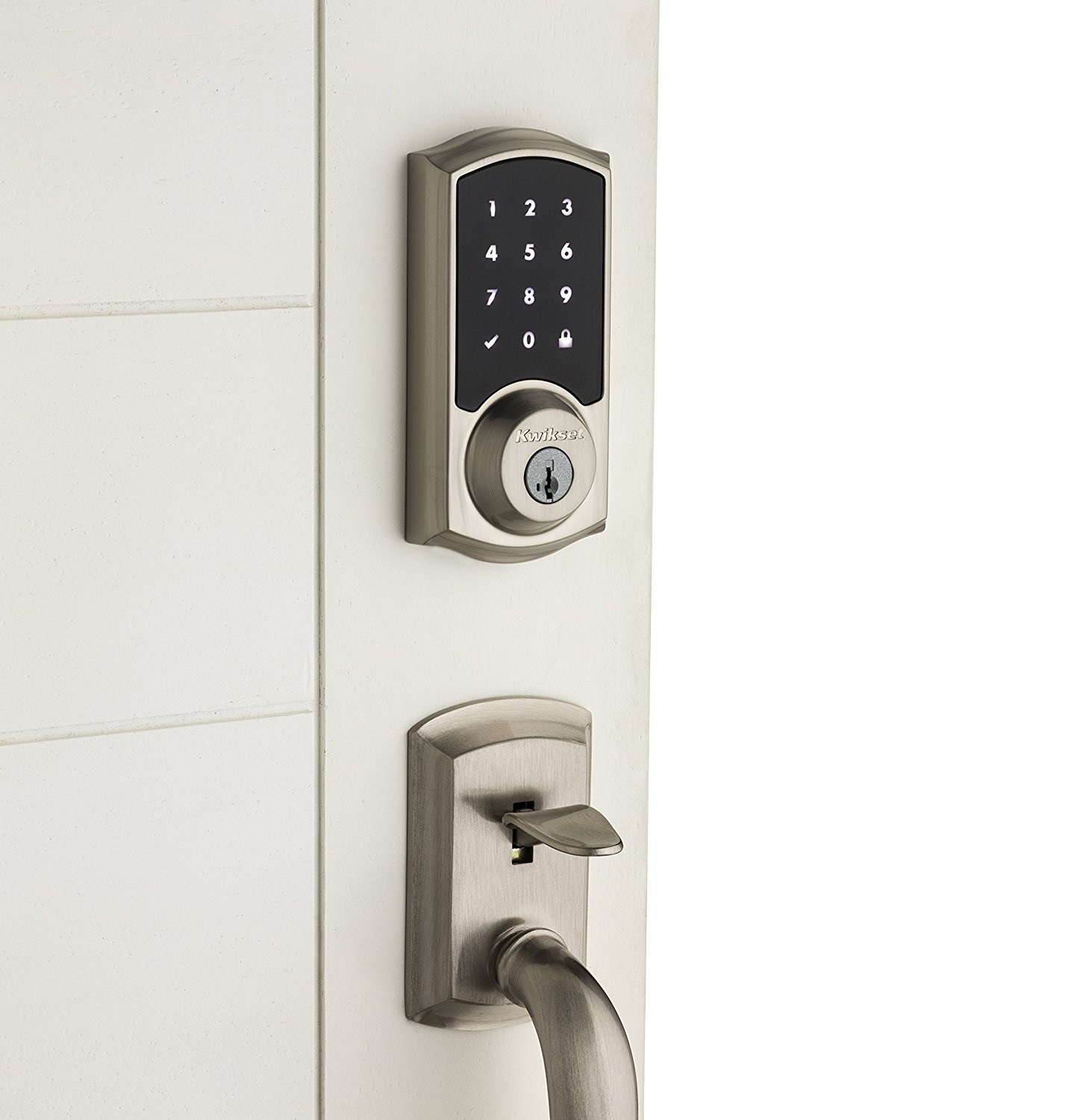
Entry Methods: What Unlocking Options Do You Need?
Different households need different entry methods. More options mean more flexibility — but also more complexity. Think about who lives in your home and how they'll actually interact with the lock every day.
- Keypad code: Universal — anyone who knows the code can enter. Easy to share, easy to revoke. Every lock on this list includes it.
- Fingerprint: Fastest entry for family members. No code to remember, no key to carry. Best options: Kwikset Halo Touch (100 prints), Lockly Secure Pro (99 prints), ULTRALOQ U-Bolt Pro.
- Smartphone app: Most convenient for remote management. Requires Wi-Fi or Bluetooth. All smart locks here include it.
- Tap-to-unlock (NFC/UWB): Only the Schlage Encode Plus supports this via Apple HomeKit home keys — iPhone or Apple Watch tap unlocks the door instantly.
- Physical key backup: Important safety net if batteries die or electronics fail. Most locks include backup keys — always confirm before buying.
- Voice control: Alexa and Google Assistant support available on Schlage Encode, Lockly Secure Pro, and ULTRALOQ U-Bolt Pro.
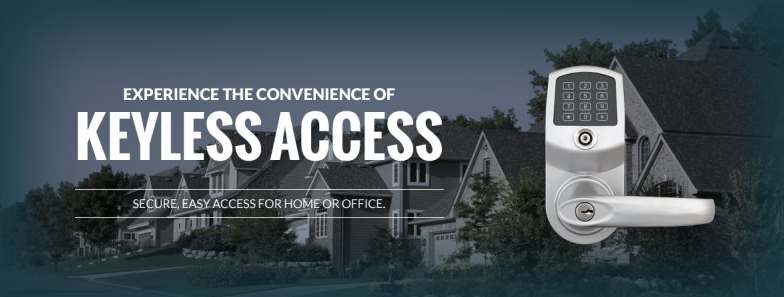
Connectivity: Wi-Fi, Bluetooth, or No Hub?
Connectivity determines whether you can control your lock remotely and whether it integrates with your smart home setup. This is where the gap between "smart lock" and "electronic lock" becomes real.
- Built-in Wi-Fi (no hub): Most convenient. Lock connects directly to your router. Schlage Encode Plus, Schlage Encode, Kwikset Halo Touch, and ULTRALOQ U-Bolt Pro all use this approach.
- Wi-Fi Hub (separate device): Lockly Secure Pro includes a hub in the box. Plug it into any outlet near your router — once set up, functionality is the same as built-in Wi-Fi.
- No connectivity: Schlage BE375 and TEEHO TE002 are standalone electronic locks. Everything is managed locally at the lock. No remote access, no activity log in an app.
If remote access matters to you — and for most people it does — choose a lock with Wi-Fi built in. Per NIST's cybersecurity guidelines, connected home devices should use encrypted communication channels. All Wi-Fi locks on this list transmit access data over encrypted connections.
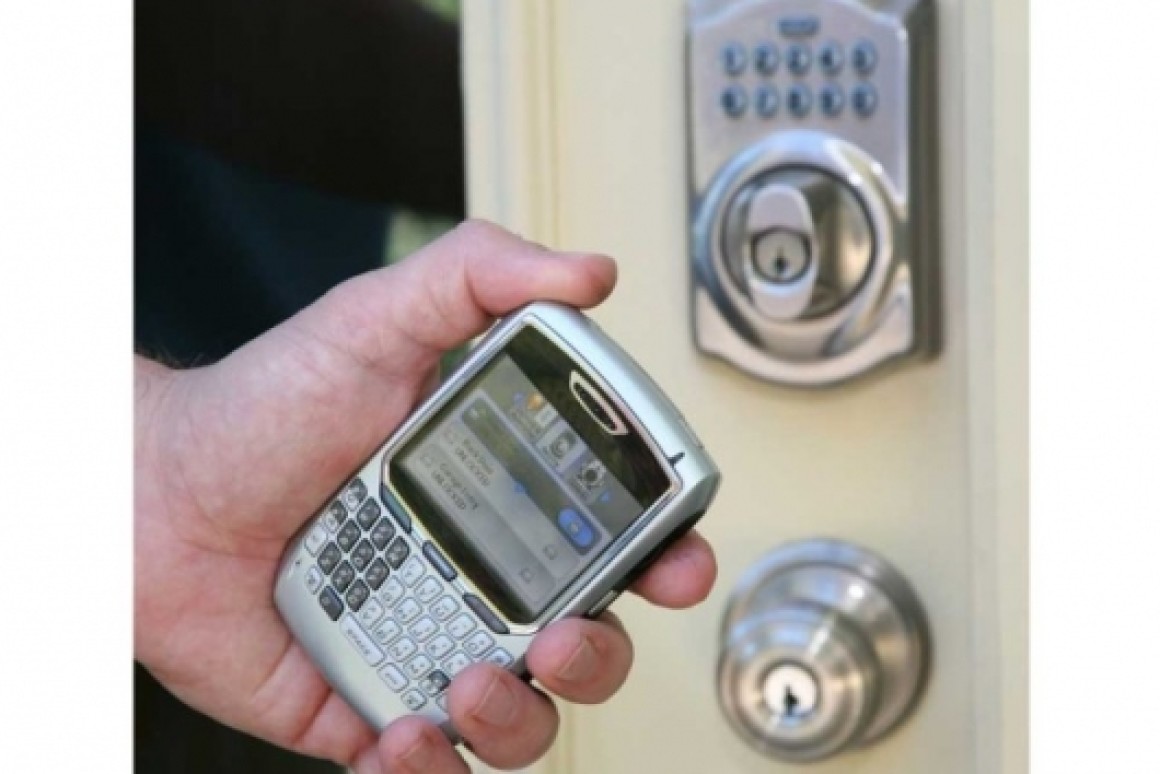
Cost: What Should You Expect to Spend in 2026?
Electronic keyless deadbolt prices vary significantly based on features. Here's a rough breakdown of what you get at each tier:

- Under $80: Basic electronic keypad locks, no Wi-Fi, limited codes. Fine for interior doors or secondary access points. TEEHO TE002 sits near this range.
- $80–$150: Mid-tier keypad locks with better build quality, more codes, and Grade 2/AAA certification. Schlage BE375 falls in this range.
- $150–$250: Wi-Fi smart locks with app control, fingerprint options, and Grade 1 or AAA certification. Kwikset Halo Touch, Schlage Encode, and ULTRALOQ U-Bolt Pro are here.
- $250+: Premium smart locks with advanced security features, Apple HomeKit, or included Wi-Fi hubs. Schlage Encode Plus and Lockly Secure Pro occupy this tier.
Don't let price alone drive your decision. A $90 lock with no ANSI rating on your front door is a worse investment than a $200 lock with Grade 1 certification. Your front door is your first line of defense. Spend what it takes to do it right.
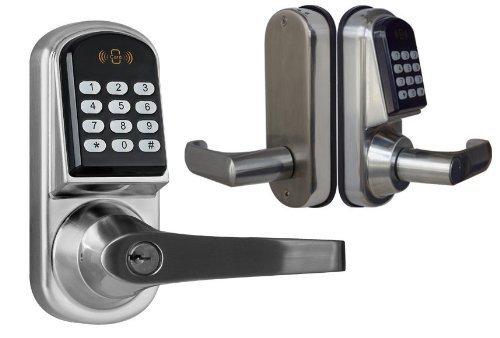
Frequently Asked Questions
Are electronic keyless deadbolts as secure as traditional keyed locks?
Yes — and in several important ways, they're more secure. Electronic keyless deadbolts eliminate the keyway entirely on some models (like the Schlage BE375), removing the physical attack surface for bump keys and lock picks. Locks with ANSI Grade 1 certification meet or exceed the security standards of the best traditional deadbolts. The added benefits — access history, remote locking, temporary codes — give you more control over your home's security than a physical key ever could.
What happens if the battery dies on a keyless deadbolt?
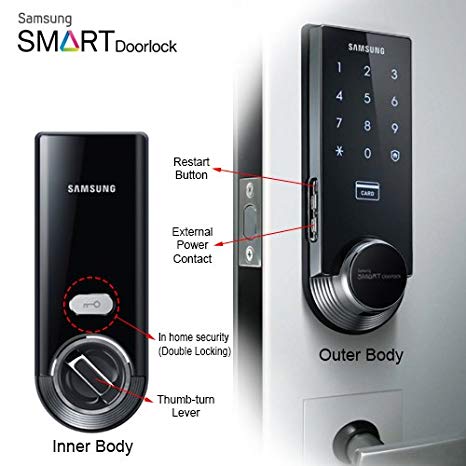
Every quality keyless deadbolt has a low-battery warning — typically a visual indicator or a beep sequence — that gives you weeks to replace batteries before they're fully depleted. If the battery does die completely, most locks offer a 9V battery jumpstart feature: touch a 9-volt battery to the external terminals, enter your code, and get inside. The Schlage BE375 explicitly includes this feature. Wi-Fi smart locks will also alert you through their app when battery levels drop below a set threshold.
Can someone hack into my smart lock over Wi-Fi?
The risk is real but manageable with proper setup. All Wi-Fi locks on this list use encrypted communication, meaning raw network sniffing won't expose your access codes. The bigger risk is weak app passwords or compromised Amazon/Apple/Google accounts linked to your lock. Use strong, unique passwords and enable two-factor authentication on any account connected to your smart lock. Treat your lock's app access the same way you treat your banking app.
How difficult is it to install an electronic keyless deadbolt yourself?
Most electronic keyless deadbolts are designed as direct replacements for standard deadbolts. If your door already has a deadbolt, you can typically complete the installation in 20–30 minutes with a Phillips screwdriver — no drilling required. You'll need to measure your door's backset (the distance from the edge of the door to the center of the lock bore, typically 2-3/8" or 2-3/4"), cross bore diameter (usually 2-1/8"), and door thickness. All dimensions are listed in each lock's product specifications. Wi-Fi locks add a step to connect to your network through the companion app.
Do electronic keyless deadbolts work without a smartphone?
Absolutely. Every lock on this list works as a standalone keypad lock even without any smartphone or internet connection. The app and remote features are add-ons — not requirements. The Schlage BE375 and TEEHO TE002 have no connectivity at all and work entirely without a phone. Even the Wi-Fi smart locks like the Schlage Encode Plus operate normally using the keypad if your phone is dead, your Wi-Fi is out, or your app is inaccessible.
Which electronic keyless deadbolt is best for an Airbnb or rental property?
The ULTRALOQ U-Bolt Pro and the Schlage Encode are both excellent for short-term rental management. The ULTRALOQ supports eKey sharing — you generate and revoke access codes remotely through the app without being on-site. The Schlage Encode is Airbnb-certified and supports Amazon Key for Business. The Lockly Secure Pro's one-time guest codes are also ideal: generate a code for a guest, it expires after use, and you never need to manually revoke it. Remote access is the non-negotiable requirement for rental property locks — choose any Wi-Fi-enabled model on this list.

Buy on Walmart
- Schlage Encode Plus Smart Wi-Fi Lock for Front Door, Keyless — Walmart Link
- Schlage BE375 CAM 619 Touch Camelot Deadbolt, Electronic Key — Walmart Link
- Kwikset Halo Touch Fingerprint Wi-Fi Smart Lock, Keyless Ent — Walmart Link
- ULTRALOQ U-Bolt Pro WiFi Smart Lock with Door Sensor, 8-in-1 — Walmart Link
- TEEHO TE002 Fingerprint Door Lock - Keyless Entry Electronic — Walmart Link
- Lockly Secure Pro Smart Deadbolt Lock — Fingerprint Keyless — Walmart Link
- Schlage Encode Smart Wi-Fi Deadbolt Lock with Touchscreen Ke — Walmart Link
Buy on eBay
- Schlage Encode Plus Smart Wi-Fi Lock for Front Door, Keyless — eBay Link
- Schlage BE375 CAM 619 Touch Camelot Deadbolt, Electronic Key — eBay Link
- Kwikset Halo Touch Fingerprint Wi-Fi Smart Lock, Keyless Ent — eBay Link
- ULTRALOQ U-Bolt Pro WiFi Smart Lock with Door Sensor, 8-in-1 — eBay Link
- TEEHO TE002 Fingerprint Door Lock - Keyless Entry Electronic — eBay Link
- Lockly Secure Pro Smart Deadbolt Lock — Fingerprint Keyless — eBay Link
- Schlage Encode Smart Wi-Fi Deadbolt Lock with Touchscreen Ke — eBay Link
Key Takeaways
- The Schlage Encode Plus is the best all-around electronic keyless deadbolt for most homes in 2026, combining ANSI Grade 1 security, built-in Wi-Fi, and Apple HomeKit home key support in a single lock.
- The Lockly Secure Pro is the top choice if maximum security is your priority — its PIN Genie shuffling keypad defeats shoulder surfing attacks, and the ANSI Grade 1 rating with 99-fingerprint storage is the strongest combination on this list.
- The ULTRALOQ U-Bolt Pro delivers the most entry methods of any lock reviewed here, making it the best choice for rental properties, large households, or anyone who wants maximum flexibility in how the door gets opened.
- If you want keyless convenience without connectivity complexity, the Schlage BE375 Touch Camelot is the most reliable budget pick — no keyway, Grade 2/AAA certification, and zero dependence on Wi-Fi or an app.


About Robert Fox
Robert Fox spent ten years teaching self-defence in Miami before transitioning into home security consulting and writing — a background that gives him an unusually practical, threat-aware perspective on residential security. His experience spans physical security assessment, lock and alarm system evaluation, and the behavioral habits that make homes harder targets. At YourHomeSecurityWatch, he covers home security product reviews, background check and criminal records resources, and practical guides on protecting your property and family.
You can Get FREE Gifts. Furthermore, Free Items here. Disable Ad Blocker to receive them all.
Once done, hit anything below